

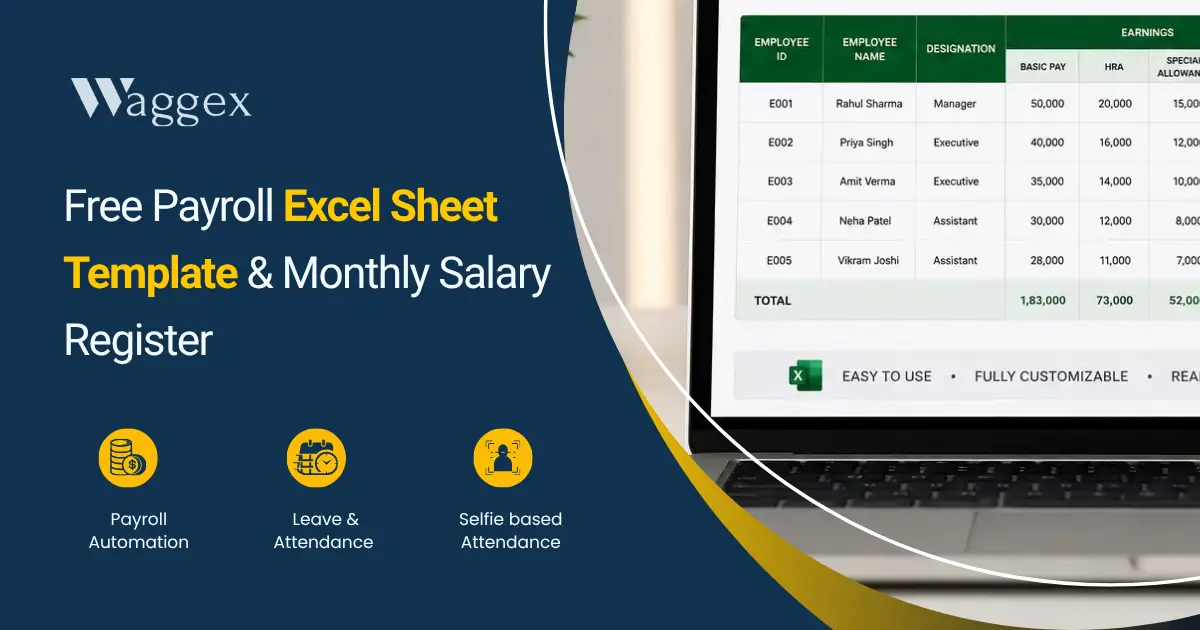
We’ll not talk about what payroll is. You’re here because you need a working Excel file, not a definition. Right?
What’s Included in this template?
The template has six tabs. Yellow cells are where you type names, salary components, LOP days, OT hours. Everything else, PF, ESI, TDS, Professional Tax, net salary, calculates on its own. First setup takes about 20 minutes. After that, each month is just updating LOP and OT.
Six Tabs, One File
Data flows from the Employee Master into Monthly Payroll into the Payslip Generator automatically. You never copy anything between tabs manually.
| Tab | What It Does | You Enter | Auto-Calculates |
|---|---|---|---|
| How to Use | Read before anything else | Nothing | — |
| Employee Master | All employee salary details set once | Name, salary components, PF/ESI, state | Gross, PF, ESI, gratuity, CTC, 50% check |
| Monthly Payroll | Run payroll every month | Month/year, LOP days, OT hours | All deductions, net pay, totals |
| Payslip Generator | Full payslip per employee | Employee ID (one cell) | Complete payslip from master + monthly data |
| Compliance Calendar | Deadlines and penalties | Nothing | — |
| PT & Rates Reference | PF, ESI, TDS, PT rates for 10 states | Nothing | — |
Don’t rename the tabs. The Monthly Payroll formulas reference the Employee Master by its exact tab name. Rename it and every lookup breaks.
Important Fill Employee Master Once, Update Only When Things Change
This is the most important tab of the template and everything else depends on it. Fill it once and it runs quietly in the background for months.
What you fill in
- Employee ID EMP001, EMP002, etc. The other tabs use this to find the right person’s data. If you have two people named Rahul, the ID is what tells the formulas apart.
- PF and ESI enrolled Yes or No. This switches deductions on or off per employee. Someone who joined before you crossed the PF threshold may not be enrolled mark it accurately.
- Work State. Drives Professional Tax. Delhi = ₹0. Karnataka = ₹200/month above ₹15,000 salary. Maharashtra = ₹200 for 11 months, ₹300 in February. Use the state where the person actually works, not your GST registration.
- Basic, HRA, LTA, Special Allowance separately. The Labour Code 2025 requires basic to be at least 50% of gross. The template flags this in the 50% check column red means the structure is non-compliant.
What calculates itself
- Gross salary, employer PF (12% + 0.5% admin charge), employer ESI (3.25%, auto-switches off above ₹21,000 gross), gratuity provision (4.81% of basic), total CTC
Monthly Payroll Tab Three Inputs, Rest Is Automatic
Update the month name and year at the top of the tab. Then enter two things per employee:
- LOP days (column E). Unpaid leave or unapproved absence. Formula: (Gross ÷ 26) × LOP days. If your company uses 30 working days instead of 26, change the divisor in column L.
- OT hours (column F). Total overtime hours that month. Calculates at 2× hourly rate (Basic ÷ 208 hours). Matches the Shops Act double-rate standard for most commercial establishments.
Everything else name, salary components, PF, ESI, TDS, PT, net pay pulls from the Employee Master automatically. TDS uses new regime slabs (Income Tax Act 2025): standard deduction ₹75,000, Section 87A rebate for income below ₹12 lakh, monthly TDS = annual tax ÷ 12.
| Before finalising payroll one check: Column S is Net Pay. Every employee row should show a positive number. Zero means the Employee ID doesn’t match the master. Negative means LOP days exceed working days. Fix both before salary is transferred. |
Payslip Generator and Compliance Calendar
Payslip Generator: One input Employee ID in cell C3. The entire payslip fills automatically from master and monthly data. Change the ID, new payslip. For 20 employees, this takes about 4 minutes. Before using: go to cell C5 and replace ‘YOUR COMPANY NAME’ with your actual name. Done once, shows on every payslip. Every deduction appears as a separate line item required under Form V of the Code on Wages 2019.
Compliance Calendar: No formulas, just dates. The ones that cost money: 7th of every month for TDS (30th April for March TDS not 7th April, this catches people every year). 15th for PF and ESI. 31 Jul/Oct/Jan/May for quarterly Form 138 TDS returns. 15 June for Form 130 (the new Form 16). Full compliance picture: Payroll Compliance in India.
Mistakes That Come Up Every Time
- Typing into formula cells. White and grey cells have formulas. Type a number into one and the formula is gone. Check the formula bar first if it starts with =, don’t touch it.
- Employee ID mismatch. EMP001 and emp001 are different to a formula. Copy-paste IDs rather than retyping. Silent failures where names don’t populate are almost always this.
- Not updating the month. 40 payslips saying the wrong month because row 2 wasn’t changed. Takes two seconds to update.
- Not archiving before updating. Save a copy named Payroll_July2026_FINAL.xlsx before opening for August. Salary disputes come up months later and you’ll need the original numbers.
- Maharashtra February PT. ₹200 for 11 months, ₹300 in February. The template defaults to ₹200. Manually change it for Maharashtra employees in February every year.
When This Template Isn’t Enough
It works well for 5–25 employees with consistent salaries. Past that, a few things start straining it.
- Team over 25–30 people generating payslips one at a time stops being quick.
- Daily wage workers or rotating shifts the LOP column handles simple cases, not week-by-week variation or shift-specific allowances.
- Multiple states and April PT revisions updating the right cells for the right employees every April without missing anyone becomes fragile.
- Recurring salary errors if it’s happened three months in a row, the manual process is introducing them somewhere.
| A quiet mention: Waggex connects attendance directly to payroll LOP and overtime calculated from actual check-in records, not from what someone typed in before payroll day. PF, ESI, TDS, and PT calculate per employee automatically. Payslips generate for the whole team at once. Free for up to 10 employees. Paid from ₹699/month. Try it here. If Excel’s still working keep using it. |
To use the template: open the file → Employee Master tab → fill yellow cells for each person → Monthly Payroll tab → update month → enter LOP and OT → check Net Pay column → Payslip Generator for individual payslips. The formulas run on current rates: PF 12%, ESI thresholds, new regime TDS slabs, PT for major states. For edge cases, old regime employees, daily wage structures, states not in the list the Calculate Payroll in India guide has the detailed information.
If you have any questions about the template or would like to see how effortless payroll processing can be, feel free to contact us. We’ll assign you a dedicated representative who will handle your payroll for an entire month at no cost, so you can experience the process firsthand before making a decision.