
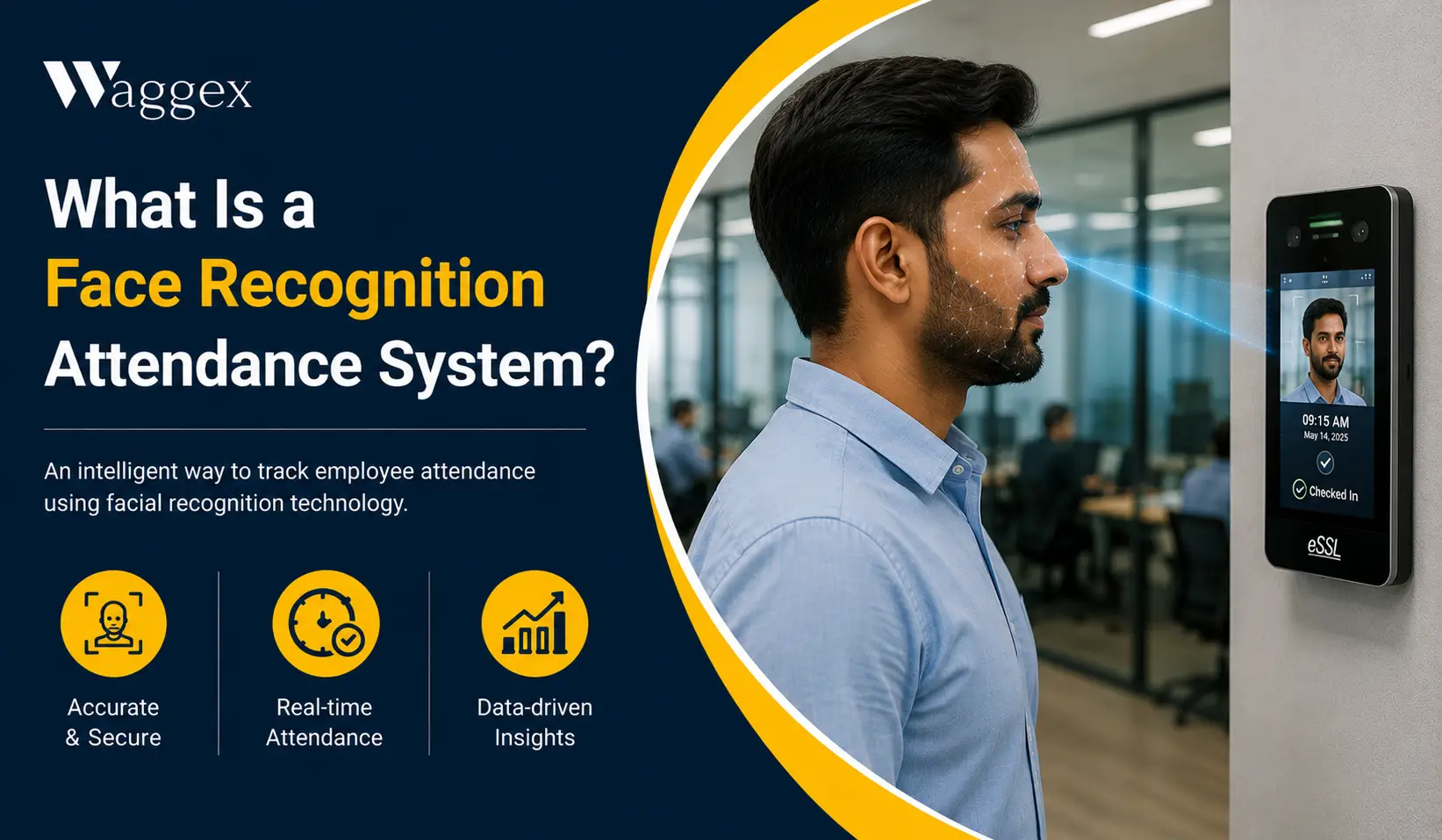
If you’ve walked into a modern office or a factory in India recently, you’ve probably seen a small device near the entrance that looks at your face for a second and then beeps. Or maybe you’ve come across an app where employees take a selfie to mark attendance. Both of these are face recognition attendance systems, just different versions of the same idea.
The idea is simple: instead of signing a register, swiping a card, or pressing a thumb on a sensor, the system identifies an employee by their face. It’s faster, it can’t be cheated by borrowing someone else’s card, and it works without touching anything.
But there’s more to it than just recognising a face. The better systems also check where the employee is, make sure the face is real and not a photo, and connect the whole thing to payroll so salary calculations happen automatically. This article walks through all of it what it is, how it works, the different types, and what to look for.
What Is a Face Recognition Attendance System?
A face recognition attendance system is software or a combination of software and hardware that identifies an employee by scanning their face when they check in or out. It logs the time, confirms the identity, and records the attendance without needing a card, PIN, or fingerprint.
The system works by comparing the employee’s face to a photo saved during registration. When they check in, the camera (or phone camera) captures their face, the system matches it to the saved record, and if it’s a match attendance is marked. The whole thing takes one to two seconds.
What makes this different from the fingerprint machines Indian businesses have used for years is two things: it’s contactless, no shared touch surface and it can’t be borrowed. You can hand someone your ID card. You can’t hand them your face.
How Does It Actually Work?
Here’s the process in plain steps:
- Register the employee’s face. When someone joins, HR takes a clear photo of their face through the app or device. This is the reference image the system will compare against every time they check in. It’s a one-time setup that takes about two minutes per person.
- Employee checks in. They either walk past a wall-mounted camera at the office entrance, or they open an app on their phone and take a selfie. The camera captures their face at that moment.
- The system compares the faces. The live image is matched against the saved photo. The system looks at facial features, the shape of the face, distances between features and decides if it’s the same person. This isn’t a pixel-by-pixel photo comparison; it’s more like how you recognise someone even if they’ve changed their hairstyle.
- Liveness check. Good systems also check that a real face is in front of the camera, not a printed photo. They look for natural movement, depth, or subtle signs of life. This stops someone from holding up a picture of a colleague to fake attendance.
- Match confirmed attendance marked. If the face matches and liveness is confirmed, the check-in is recorded with the time and, if GPS is included, the location. If it doesn’t match, the check-in is rejected.
- Data flows to payroll. In a well-connected system, the attendance record goes straight into payroll working days, late marks, and LOP deductions all calculate automatically without anyone re-entering data.
| The part that most people don’t think about: Where does the face matching happen on the device or somewhere else? If it happens on the employee’s own phone, someone who knows how to tinker with their device might find a way around it. If it happens on a secure server (like Waggex does), there’s nothing on the employee’s phone to tamper with. The server gets the photo, compares it, and sends back a yes or no. That’s the more reliable approach. |
The Two Main Types: Hardware Device vs Mobile App
When people search for face recognition attendance in India, they’re usually thinking about one of two things. These are quite different products solving different problems.
Hardware Devices (Wall-Mounted Cameras)
These are the machines you see near office entrances or factory gates. Brands like ZKTeco, eSSL, and Hikvision make these. Employees walk up, the camera scans their face in under a second, and attendance is marked. No phone needed, no app to open.
These work very well for offices and factories where everyone comes in through the same gate every day. The problems start when your team isn’t in one place. The device can’t help a field sales rep checking in from a client location 30 km away.
Mobile Apps (Selfie Attendance)
These are apps on an employee’s smartphone. The employee opens the app, takes a selfie, and attendance is marked. The face matching happens in the cloud on a server, not just on the phone. This approach works from anywhere, which is why it’s become popular for field teams, remote employees, and businesses with staff spread across multiple locations.
Waggex’s FaceLens works this way. The selfie goes to our server for matching, which means the verification can’t be bypassed on the employee’s device. We cover how this works in more detail in our guide on mobile attendance apps with face recognition.
| Hardware Device | Mobile App (e.g. Waggex FaceLens) | |
|---|---|---|
| How it works | Wall-mounted camera scans face at entry | Employee takes selfie on their phone |
| Works for field staff | No fixed location only | Yes from anywhere |
| Hardware cost | ₹6,000–₹25,000 per device | None uses phone camera |
| Maintenance | Annual service, AMC contracts | None app updates automatically |
| Multiple locations | Buy a device per site | One app, all locations |
| Payroll connection | Depends on HRMS integration | Direct same system as payroll |
| Fake photo protection | 3D liveness on premium devices | Server-side liveness detection |
| Best for | Fixed office, factory gate, access control | Field staff, remote teams, multi-site |
Why Indian Businesses Are Switching to Face Recognition Attendance
It stops proxy attendance
The most common reason businesses switch is proxy attendance when one employee marks attendance for another who hasn’t actually arrived yet. With a fingerprint machine, someone can share a card or even a silicone fingerprint copy. With a face, that’s not possible. We’ve covered this in detail in how to prevent proxy attendance in field staff.
No shared surfaces hygiene matters
After the pandemic, a lot of Indian businesses became uncomfortable with 100 employees touching the same fingerprint sensor every day. Face recognition is completely contactless. This matters especially in food processing, healthcare, and any environment where hygiene is taken seriously.
Works for staff who aren’t in one office
A delivery executive, a field sales rep, a service technician these people aren’t walking past a device at a fixed location every morning. A mobile face recognition app works from wherever they actually are. When paired with GPS location verification, it confirms both who the person is and where they are at the same time.
It’s faster than any other method
A good face recognition system confirms identity in one to two seconds. No queues at a fingerprint machine. No card that needs to be found in a bag. For a factory with 200 workers all arriving at the same time, that speed makes a real operational difference.
It connects to payroll and reduces manual work
The systems worth using in 2026 don’t just record attendance they send it directly to payroll. Working days, late marks, LOP deductions all flow automatically. PF, ESI, TDS calculate from verified data. Nobody has to export a file and reenter it somewhere else. We compared how this works across different tools in our list of the best face recognition attendance systems in India.
How Waggex Does Face Recognition Attendance
Waggex’s approach is built around one principle: the verification should happen somewhere the employee can’t interfere with. Here’s what that means in practice.
Server-Side Matching Through FaceLens
When an employee checks in using FaceLens, their selfie is sent to Waggex’s servers over India’s mobile data network. Our server compares it against the registered face photo. The phone just takes the picture and the decision happens on our side, where there’s nothing to manipulate. This makes it significantly harder to fake a check-in than systems where the matching happens locally on the device.
GPS and Face Together
FaceLens works together with Geo-Location Attendance. The GPS coordinates are also verified on our server, not just trusted from the phone. So a single check-in confirms both the person’s identity and their physical location at that moment. For field staff, this is the combination that actually closes the loopholes.
No Hardware Needed
Every employee already has a phone with a front camera. FaceLens uses that. No biometric machine to buy, no installation, no maintenance contract. For a business with staff across multiple cities, this makes a real difference to both setup cost and ongoing overhead.
Straight Into Payroll
A confirmed check-in in Waggex flows directly into payroll management. PF, ESI, TDS, and Professional Tax calculate from the same verified attendance data. The monthly reconciliation step exporting attendance from one tool and importing it into another doesn’t exist. We’ve written more about why that connection matters in our piece on HRMS vs payroll software.
| What this looks like for a real team: A sales team in Jaipur. 18 reps across the city, visiting distributors every day. Each rep checks in via FaceLens when they reach their first stop face matched, GPS confirmed, done in 15 seconds. The manager sees everyone on a live map. At month-end, payroll runs on verified data that’s been sitting in the system all month. Nobody compiled a spreadsheet. |
Common Questions People Ask
Can it be fooled by a photo?
A properly built system, yes it catches this. Liveness detection looks for natural movement or depth signals that a printed photo doesn’t have. A static image held up to the camera fails the liveness check. Lower-end hardware without liveness detection can sometimes be fooled, which is why it’s worth specifically asking a vendor about this before buying.
What happens in bad lighting?
Modern AI-based systems handle low light much better than the fingerprint machines of ten years ago. Premium hardware devices use infrared cameras that work in near-darkness. Mobile app systems depend on the phone’s front camera which varies by device quality. Worth testing in the actual lighting conditions your team works in before a full rollout.
Is employee consent required?
Yes. Under India’s Digital Personal Data Protection Act 2023, employers can process employee location and biometric data for legitimate employment purposes but employees should be informed about what’s being collected, how it’s used, and how long it’s kept. A simple written policy and acknowledgement at the time of face registration covers this for most businesses.
How long does setup take?
For a mobile app like Waggex, most teams are fully set up every employee registered, first check-ins done within one working day. Hardware devices take longer: installation, wiring, device configuration, and syncing with HRMS software typically takes one to three days depending on the number of devices and locations.
Does it work in areas with poor internet?
Hardware devices typically work without internet and sync data when connectivity returns. Mobile app systems that verify on a server like Waggex need a data connection at the moment of check-in. In areas with reliable 4G or 5G coverage, this is seamless. In genuinely poor signal areas, there may be a short delay until connectivity is available.
The Bottom Line
A face recognition attendance system is, at its core, a way to confirm that the right person was at the right place at the right time and record that fact in a way that connects to payroll and compliance without manual work.
Whether you go with a wall-mounted device or a mobile app depends mainly on your workforce. If everyone walks through the same office gate every day, hardware makes sense. If any part of your team is in the field, remote, or spread across locations a mobile app is the more practical choice.
Either way, the features that matter most aren’t which brand name is on the device. They’re whether the system has liveness detection, whether it connects properly to your payroll, and whether it actually prevents the fake check-ins that make attendance data unreliable in the first place. Our full list of the top 10 face recognition attendance systems in India covers all of this in more detail if you’re evaluating specific options.
If you’d like to see how Waggex FaceLens works for your team, our free trial gives you full access to face recognition, GPS attendance, and payroll with no credit card required.