
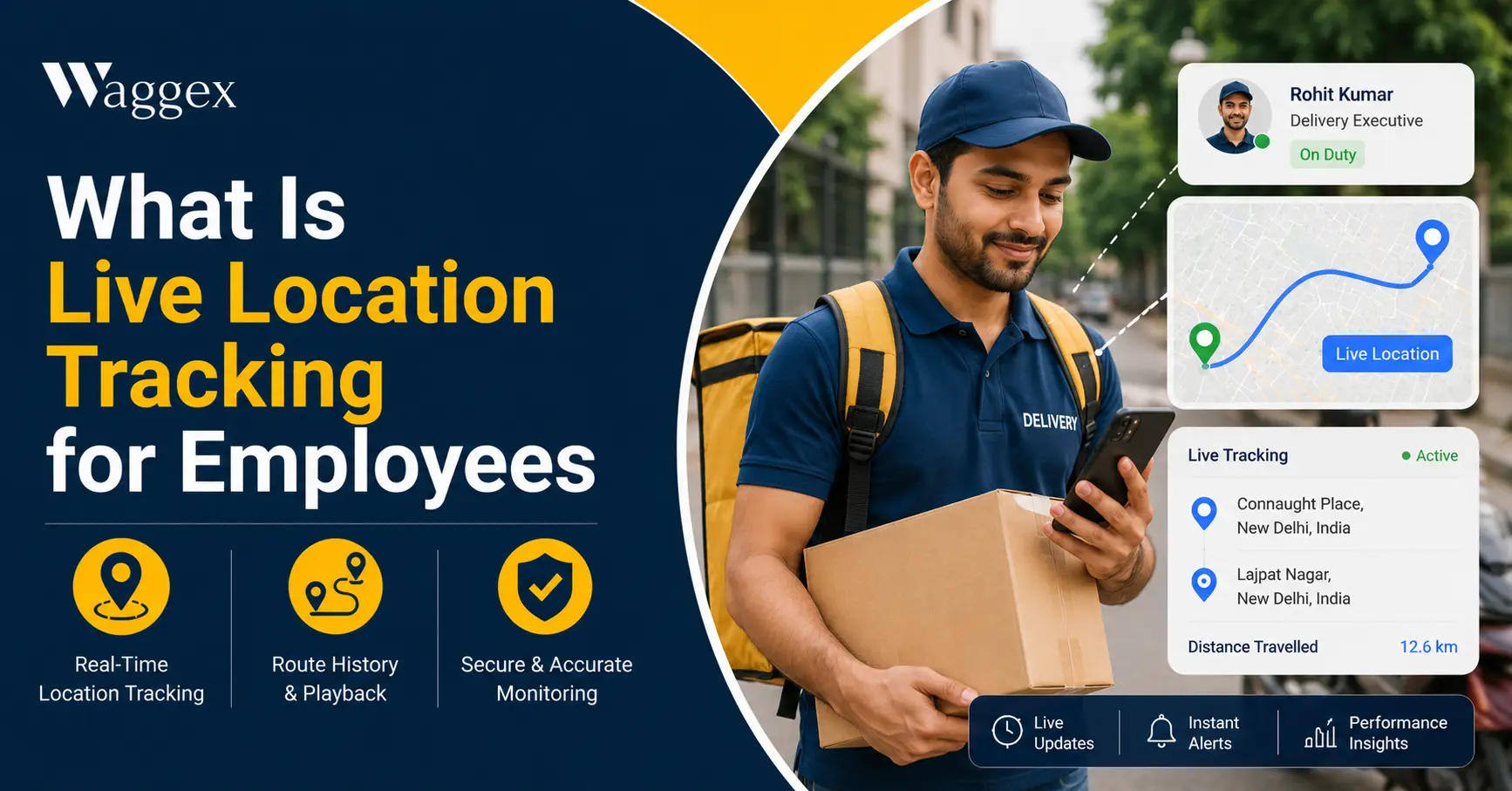
Here’s a question we get asked a lot: “My field team checks in every morning, isn’t that enough?” It’s a fair question, and the honest answer is not quite.
A check-in tells you where someone was at 9 AM. It doesn’t tell you where they are at 1 PM, or whether they actually reached the second client of the day, or how long they sat in traffic before getting there. That’s the gap live location tracking fills.
In this article, we’ll explain what live location tracking actually is, how it’s different from a simple check-in, why businesses with field teams use it, and how we’ve built it into Waggex.
What Live Location Tracking Actually Means
Live location tracking is exactly what it sounds like it shows you where an employee is, in real time, throughout their working day. Not just at the moment they check in, but continuously while they’re on the clock.
Think of it like the map you see when you order food online. You can watch the delivery rider move toward you in real time. Live location tracking for employees works the same way, except instead of watching a delivery, you’re watching where your field team actually is: which client they’ve reached, how long they’ve been there, and where they’re headed next.
This is different from GPS check-in attendance, which only confirms location at a single moment when someone marks attendance. Live tracking keeps that visibility going through the whole day, not just at the start and end.
Why a Check-In Alone Isn’t Enough
A check-in answers one question: did this person start their day from the right place? It doesn’t answer the questions that actually come up during a normal working day.
- A client calls asking where the technician is. With just a check-in, you have no idea. You’d have to call the technician and hope they answer honestly and accurately.
- The delivery is late and you don’t know why. Was there traffic? Did the rider take a long break? A check-in from the morning tells you nothing about what happened at 2 PM.
- You want to know if visits are actually happening. A field sales rep might check in once in the morning and then spend the rest of the day at home. Without ongoing visibility, you’d never know.
- Someone’s safety becomes a concern. If a field employee stops responding to calls, knowing their last known location matters and a one-time check-in from hours ago won’t help.
| Check-In Only | Live Location Tracking | |
|---|---|---|
| Tells you employee was present | Yes, at check-in time | Yes, all day |
| Tells you where they are now | No | Yes |
| Confirms a visit actually happened | Only the first one | Every stop, through the day |
| Helps when a client calls asking for an ETA | Not really | Yes, instantly |
| Shows time wasted between stops | No | Yes |
| Useful for safety check-ins | Limited | Yes |
How Live Location Tracking Actually Works
It’s simpler than it sounds. Here’s what happens behind the scenes:
- The employee’s phone shares its location with the app at regular intervals through the working day, not constantly draining the battery, just checking in every so often.
- That location shows up on a live map that managers can see from their own dashboard, whether they’re in the office or also out in the field.
- Movement and stops get recorded so you can see not just where someone is right now, but where they’ve been earlier in the day useful for understanding how time was actually spent.
- Tracking only runs during work hours. Outside of check-in and check-out, there’s nothing being tracked. This matters both for trust and for basic fairness.
| An important point worth being upfront about: Live location tracking should only ever run during working hours check-in to check-out, nothing more. If you’re evaluating this for your business, make sure whatever tool you use respects that boundary clearly, and tell your team exactly when tracking is active. |
Who Actually Needs This
- Delivery and logistics teams. Knowing where every rider or driver is helps with reassigning a delivery, answering a customer’s “where’s my order” question, and understanding delays as they happen.
- Field sales teams. Managers can see which clients have actually been visited that day, not just rely on an end-of-day report.
- Service and maintenance teams. If a technician is running late to the next job, you can see that and let the client know before they call to ask.
- Any business managing a team that isn’t sitting in one office. If your people are spread across a city or a region, this is the only practical way to know what’s happening without calling everyone constantly.
How We’ve Built This Into Waggex
Our Live Location Tracking feature is built to give managers exactly this kind of visibility, without making it complicated.
A Live Map of Your Field Team
Managers can open their dashboard and see where every field employee currently is, at a glance. No phone calls needed to find out.
Paired With Verified Check-Ins
Live tracking works alongside FaceLens and Geo-Location Attendance, so you’re not just seeing a location you know it’s actually the right person, confirmed at check-in, with their movement visible through the day after that.
Active Only During Work Hours
We built this to track only between check-in and check-out. There’s no tracking happening on someone’s personal time, and we think that’s exactly how it should be.
Connected to the Rest of Your HR Data
Because this sits inside the same system as attendance and payroll, you’re not juggling a separate tracking app on top of everything else. It’s one dashboard, one login, one place to see your whole field operation.
| What this looks like in practice: A field service company we work with has technicians visiting 4 to 5 client sites a day. Their dispatch manager used to spend a good part of the morning calling each technician to check progress. Now she just glances at the live map, sees who’s where, and only calls if something actually looks off. |
How to Introduce This Without It Feeling Like Surveillance
This is worth getting right. If you switch this on without explaining anything, your team will assume the worst. Handle it properly, and most people don’t mind it at all.
- Explain why, not just what. Tell your team this helps with client questions, safety, and fair workload not that you’re watching their every move.
- Be specific about the hours. Make it clear tracking is only active during work hours, and nowhere near their personal time.
- Start with one team. Roll it out to a small group first, see how it goes, then expand.
The Bottom Line
A check-in tells you someone started their day in the right place. Live location tracking tells you what happened after that which is usually where the actual questions come from.
We built this into Waggex because we kept hearing the same thing from business owners: “I know where my team checked in, but I have no idea where they are right now.” That gap is exactly what this feature closes.
If you want to see this working with your own field team, our free trial gives you full access to live tracking, FaceLens, GPS attendance, and payroll, all together. No credit card needed.