
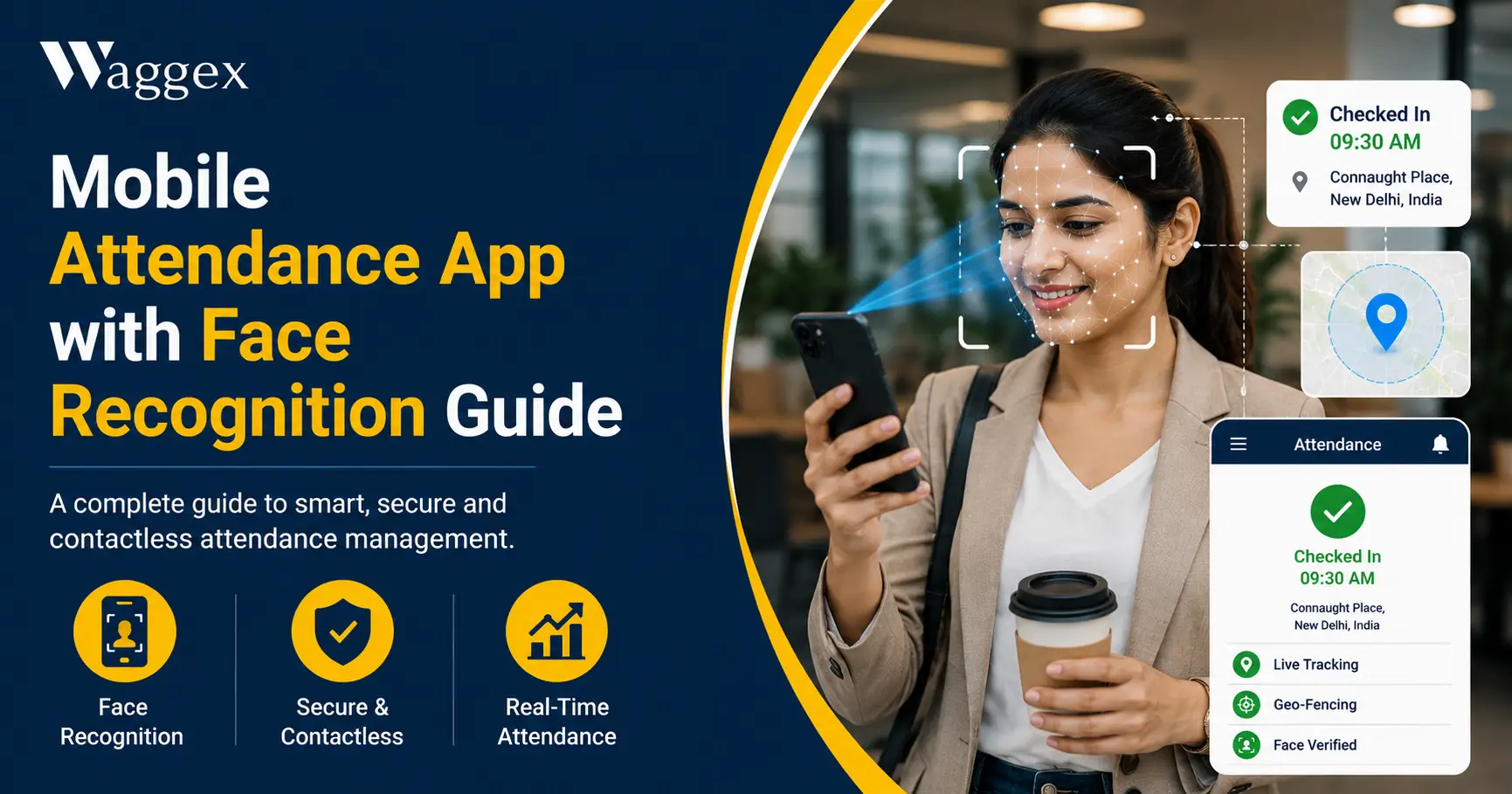
Face recognition has quietly become one of the more practical pieces of technology in Indian workplaces not because it’s flashy, but because it solves a problem that’s been costing businesses real money for years: confirming that the person marking attendance is actually the person who’s supposed to be there.
A mobile attendance app with face recognition does exactly what the name suggests, it uses the camera on an employee’s or employer’s smartphone to verify their identity before logging their attendance, instead of relying on a fingerprint device, a swipe card, or a manager’s word. No separate hardware. No installation at the office entrance. The phone in the employee’s pocket becomes the verification device.
This article explains how face recognition actually works the technical mechanics, not just the marketing language that separates a properly built system from a basic photo-capture feature, and how Waggex’s FaceLens implements this for Indian businesses. We’ll also link to a few other pieces on the Waggex blog that go deeper into related topics, so you don’t have to read everything in one place.
What “Face Recognition” Actually Means in an Attendance App
The term gets used loosely in product marketing, so it’s worth being precise. There are at least three different things that get called “face recognition attendance,” and they are not equally reliable.
Photo Capture (Not Really Face Recognition)
Some apps simply take a photo at check-in and store it for a manager to review later. There’s no actual comparison happening, no system is confirming the photo matches a registered employee. It’s a visual record, useful for occasional spot-checks, but it doesn’t scale. A manager reviewing 40 photos a day, every day, will eventually stop checking carefully, and the verification value disappears.
On-Device Face Matching
A step up: the phone itself compares the live camera feed against a face template stored locally on the device, and approves or rejects the check-in instantly. This works, but it has a structural weakness if someone can access or modify the device (rooted phones, modified apps, cloned data), the comparison can potentially be tampered with because the entire verification happens within something the employee physically controls.
Server-Side Face Recognition
The most reliable approach: the live selfie is sent to a remote server, where it’s compared against a securely stored reference photo using facial recognition algorithms that measure facial geometry the distance between features, bone structure, proportions rather than a simple pixel match. This comparison happens somewhere the employee has no access to or control over, which is what makes it genuinely tamper-resistant. This is how Waggex’s FaceLens is built, and it’s the approach worth looking for if you’re evaluating any mobile attendance app.
| Photo Capture | On-Device Face Match | Server-Side Face Recognition (FaceLens) | |
|---|---|---|---|
| How it verifies | Manager reviews photo manually later | Phone compares face locally | Server compares face independently |
| Speed of decision | Delayed depends on review | Instant | Instant (1–2 seconds) |
| Can be bypassed | Yes manager may not check every photo | Possible if device is compromised | No local data to tamper with |
| Works offline | Yes | Yes | Requires network connection |
| Liveness detection | No | Sometimes | Yes |
| Scales across team | Poor manual review doesn’t scale | Good | Good |
How the Technology Actually Works, Step by Step
Here’s the mechanism behind a properly built face recognition attendance app what happens in the background between an employee tapping check-in and a record appearing on a manager’s dashboard.
- Face registration. Before anyone can use the system, their face needs to be registered usually a one-time photo capture done by HR or by the employee themselves during onboarding. This becomes the reference template the system checks against. It typically takes under two minutes per person.
- Feature extraction, not just image storage. A well-built system doesn’t simply save the photo as a picture, it processes the image into a mathematical representation of facial features (sometimes called a face embedding or template). This is what gets compared during future check-ins, and it’s also why a stolen photo of someone’s face usually isn’t enough to fool the system the comparison is structural, not visual.
- Live capture at check-in. When the employee checks in, the app captures a fresh image through the front camera, not an uploaded photo. Liveness detection checking for natural eye movement, blinking, or subtle depth signals helps the system distinguish a real face from a static photo held up to the camera.
- Comparison and confidence scoring. The newly captured face is compared against the registered template, and the system calculates a similarity score. If the score clears the threshold for a match, the check-in is approved. If it doesn’t, the employee is prompted to try again, and no attendance record is created in the meantime.
- Location verification, often in the same step. Most properly built systems pair the face check with GPS data captured at the same moment confirming identity and location together. We’ve covered the GPS half of this mechanism in detail in our guide to GPS attendance tracking for field employees.
- Record creation and payroll sync. Once verified, the attendance record is timestamped and stored and in a connected HRMS, it flows directly into the employee’s working-days count for payroll, without anyone exporting or re-entering data.
| The detail that actually matters most: Whether the comparison happens on the device or on a server. A device-side check can theoretically be manipulated by someone with access to the phone’s settings or files. A server-side check has no local component to tamper with the phone is just a camera and a messenger, not the decision-maker. |
Why Businesses Are Actually Adopting This
Buddy Punching Has a Real Cost
Proxy attendance of a colleague checking in on someone else’s behalf is one of the most common and most quietly expensive problems in workforce management. It’s invisible in a paper register or a shared swipe card system because nothing in those systems can tell the difference between the right person and a stand-in. We go into the mechanics and cost of this in how to prevent fake attendance in the workplace, but the short version is: face recognition closes this specific gap because a face is genuinely hard to share or hand over the way a card or PIN can be.
Biometric Hardware Has Real Limits
Fingerprint and biometric kiosk devices solve identity verification too, but only at a fixed location, and only after you’ve paid for the hardware typically ₹4,500 to ₹28,000 per device plus ongoing annual maintenance. For a business with field employees, multiple offices, or a workforce that doesn’t pass a fixed point daily, that hardware model doesn’t cover everyone and buying a device for every site adds up fast.
Field Teams Need Verification That Travels With Them
A delivery executive, a service technician, or a field sales rep needs to be able to confirm both who they are and where they are, from wherever their workday actually happens, not from an office they may never visit. A mobile face recognition app is the only practical way to extend reliable identity verification to a workforce that’s never in one place.
How Waggex’s FaceLens Works in Practice
FaceLens is Waggex’s face recognition attendance feature, built specifically around the server-side approach described above. Here’s what that looks like for a real team.
No Hardware, No Installation
Every employee already has a phone with a front camera capable enough for face verification. FaceLens uses that there’s no biometric device to purchase, install, or maintain across multiple office locations or sites.
Verification Happens on Waggex’s Servers
Every check-in is sent to Waggex’s servers for comparison against the registered face not validated locally on the phone. This means the verification can’t be bypassed by modifying the app or the device, and the registered face data is stored securely on the server rather than sitting on an employee’s personal phone where it could be lost or accessed if the device changes hands.
Paired With GPS, Not Used Alone
FaceLens runs alongside Waggex’s Geo-Location Attendance, so a single check-in confirms identity and location together. A field employee checking in from a client site has both factors verified before the record is accepted there’s no separate step.
Connected Directly to Payroll
A verified check-in flows straight into the employee’s attendance record, which feeds directly into payroll processing PF, ESI, TDS, and Professional Tax calculate from the same verified data. There’s no manual transfer between an attendance tool and a separate payroll system. We’ve written more about why that connection matters in Top Staff Attendance With Payroll Management Software in India, which compares several tools on exactly this point.
| What this looks like for an actual team: A field service technician arrives at a client’s office in Noida. He opens the Waggex app, takes a selfie, and his identity and GPS location are both confirmed in under 15 seconds before he’s even started the job. His manager sees the verified check-in on a live dashboard. At month-end, his attendance is already accurate data in the payroll run, with nothing to manually reconcile. |
Where Mobile Face Recognition Has Real Constraints
To stay straightforward about this server-side face recognition is the most reliable approach available, but it’s not free of trade-offs.
- It needs network connectivity to verify. Because the comparison happens on a server, the check-in requires an active data or Wi-Fi connection at that moment. This is a deliberate trade-off server-side verification is what makes the check-in trustworthy in the first place but in areas with genuinely poor signal, it can occasionally mean a short delay until connectivity is available.
- Lighting and camera quality affect accuracy. Very low light or a poor front camera can occasionally produce an unclear capture. Well-built systems handle this with a retry prompt rather than a false rejection, but it’s worth testing on the actual phone models your team uses, not just in a product demo.
- It assumes employees carry a smartphone at work. In environments where personal phones aren’t permitted certain secure facilities, some factory floors a fixed biometric device or kiosk is still the more appropriate choice.
- Registration is a real onboarding step. Every employee needs their face registered once before they can use the system. For a business onboarding a large existing workforce all at once, this is a manageable but genuine task a couple of minutes per person, multiplied across the team.
What to Check Before Choosing One
If you’re evaluating mobile attendance apps with face recognition, these are the specific questions worth asking the vendor:
- Is the comparison done on the server or the device? Ask directly. “Cloud-based” or “AI-powered” in the marketing doesn’t always mean server-side verification sometimes it just means the app uses a face-detection library locally.
- Does it include liveness detection? Without it, a printed photo or a photo on another phone screen can sometimes pass as a live check-in.
- Is location verified at the same time? Face verification alone confirms identity but not location pairing it with GPS closes both gaps in one step.
- Does attendance connect directly to payroll? If the answer is “export the data and import it elsewhere,” you’re still managing a manual step every month, regardless of how good the face recognition itself is.
- How does it perform on a mid-range Android phone? Test it on the actual device models your field team uses not a flagship phone in a sales demo.
The Bottom Line
A mobile attendance app with face recognition isn’t a novelty feature when it’s built properly, with server-side verification and location data paired alongside it, it solves a genuine and expensive problem: confirming that the person marking attendance is actually who they claim to be, from wherever they actually work.
The distinction that matters most when evaluating one of these tools is where the comparison actually happens on the device, where it can potentially be manipulated, or on a server, where it can’t. That single architectural choice is the difference between a feature that looks good in a product demo and one that holds up against a workforce that’s motivated to find shortcuts.
If you want to see how server-side face recognition works with your own team, Waggex’s free trial includes full access to FaceLens, GPS attendance, and the connected payroll system with no credit card required. Most businesses have their first verified check-ins running within the same day.